Global — Ekhbary News Agency
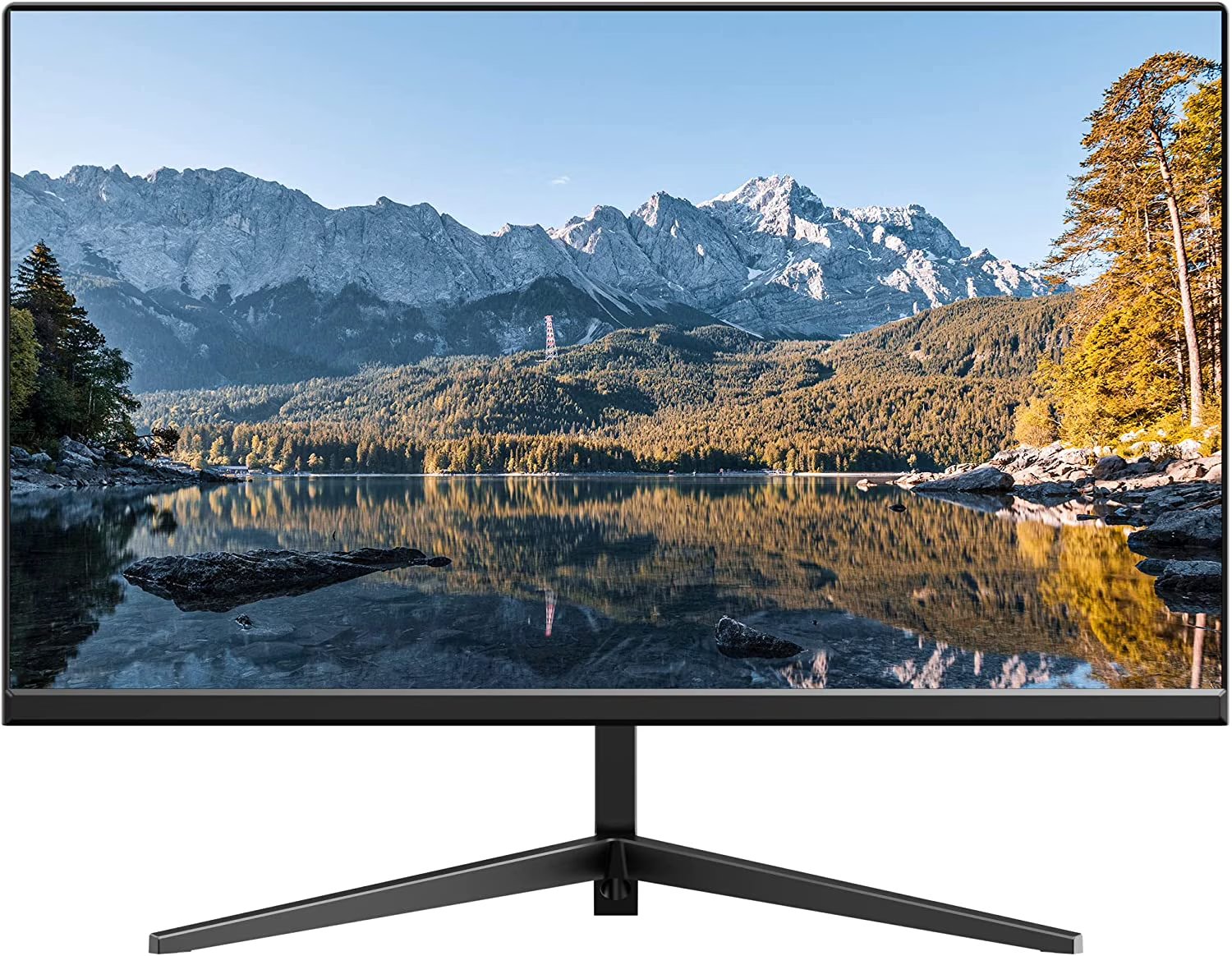
The debate between using a television or a dedicated computer monitor for your primary display is more nuanced than simply choosing the biggest screen. While TVs offer compelling size and often lower prices, their fundamental design priorities differ significantly from those of computer monitors, impacting overall user experience, especially for demanding tasks like gaming or professional work.
Understanding Pixel Density and Clarity
One critical distinction lies in pixel density. A 32-inch 4K monitor, for instance, delivers a sharp 137 pixels per inch (PPI). In contrast, a larger 55-inch 4K television yields only 80 PPI. This lower density on larger screens, viewed at close distances typical for computer use, often results in text and small interface elements appearing blurry. For what it's worth, a 27-inch 1440p monitor still surpasses a 55-inch 4K TV with 108 PPI, underscoring the importance of matching resolution to screen size and viewing distance.
Read Also
- Duolingo Stock Poised for Rebound Amid Strong AI Product Reception
- Toyota Faces Unprecedented RAV4 Hybrid Demand Amid Limited Supply
- U.S. House Aims to Prevent Shutdown Amid GOP Hard-liner Opposition
- Waymo and Zoox Accelerate Robotaxi Expansion Across Key U.S. Cities
- US-Iran Hostilities Escalate Amid Tanker Strike in Hormuz, Oil Prices Soar
Performance: Refresh Rates and Input Lag
Beyond visual clarity, performance metrics like refresh rates and input latency are paramount. Most standard monitors and TVs operate at 60Hz, which suffices for static content. However, competitive gamers or video editors benefit immensely from displays offering 120Hz or higher refresh rates, ensuring smoother motion. Furthermore, monitors are engineered for minimal input lag, typically ranging from 1 to 4 milliseconds (ms). TVs, designed for passive viewing, often exhibit delays between 9ms and 12ms. This seemingly minor difference can be a deal-breaker in fast-paced online gaming, where every millisecond counts.
Color Accuracy and Connectivity
Color space and connectivity also play a role. Older or budget-friendly TVs with HDMI 2.0 inputs are generally limited to 8-bit color at 4K 120Hz. Professionals requiring greater color depth, such as 10-bit or full Dynamic HDR, must seek out displays — whether TVs or monitors — equipped with HDMI 2.1 support. This ensures accurate color reproduction vital for photo and video editing. Ultimately, while TVs excel at upscaling and casual viewing, the specialized features of a monitor often provide a superior experience for productivity and interactive applications.